


Bluetooth Scrolling Ring Remote
Bluetooth Scrolling Ring Remote
Regular price
$49.99
Regular price
$49.99
Sale price
$89.99
Unit price
per


Couldn't load pickup availability
-
Ordered
- - -
Order Ready
- - -
Delivered

Bluetooth Scrolling Ring Remote
Regular price
$49.99
Regular price
$49.99
Sale price
$89.99
Unit price
per
•Bluetooth scrolling ring remote for phone and tablet use
•Works with iPhone, iPad, and Android smartphones
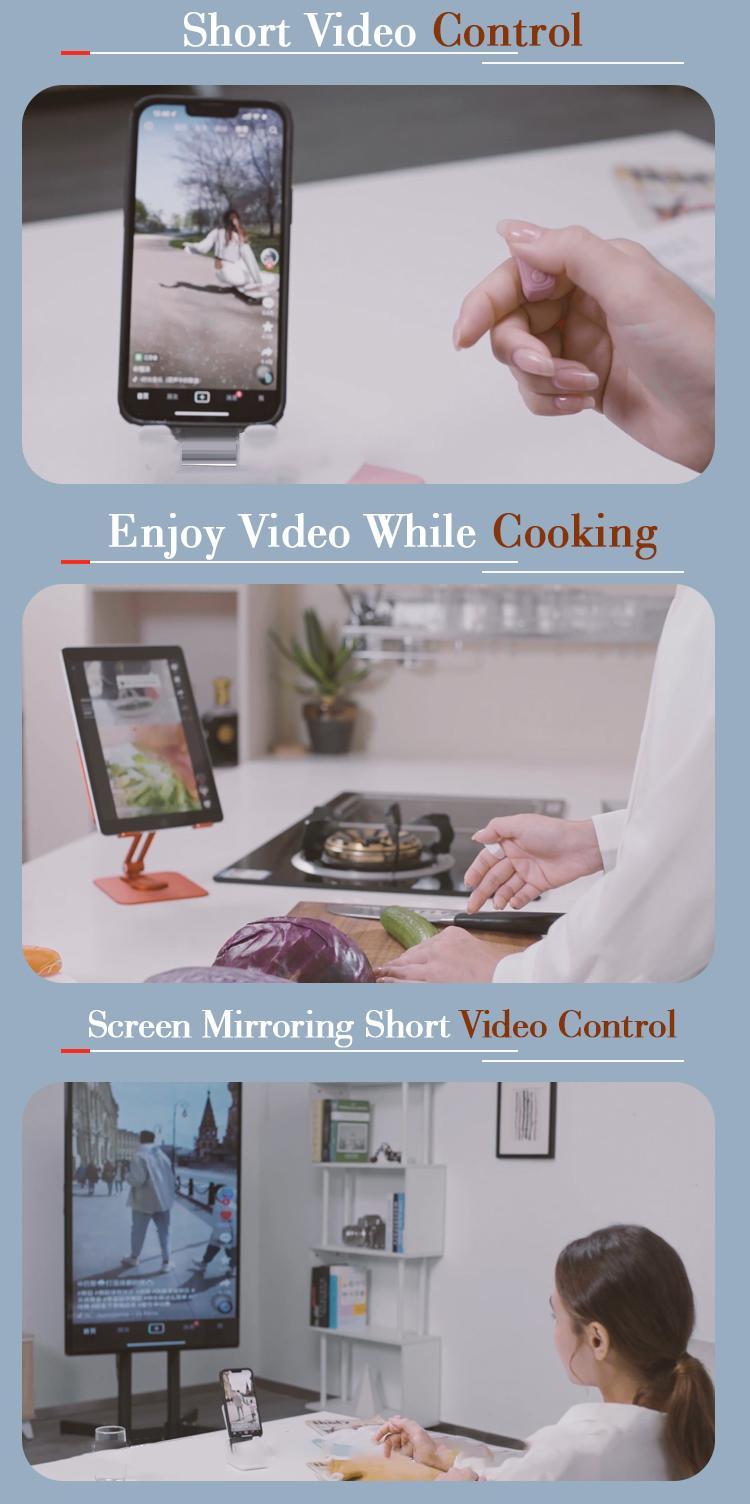
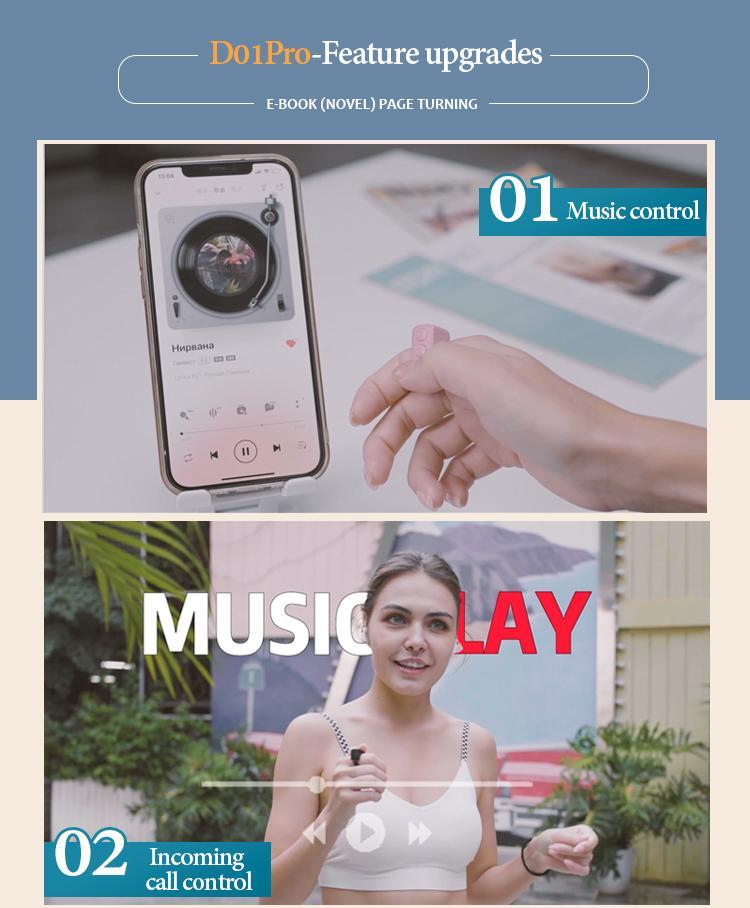
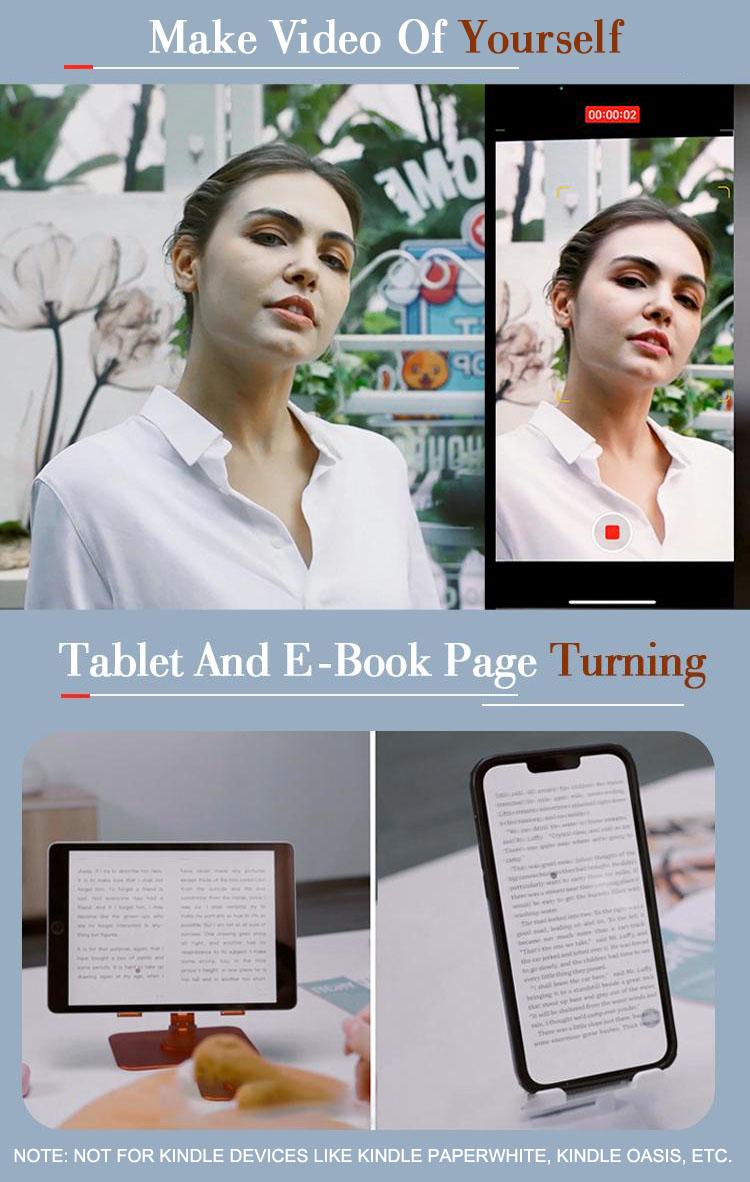
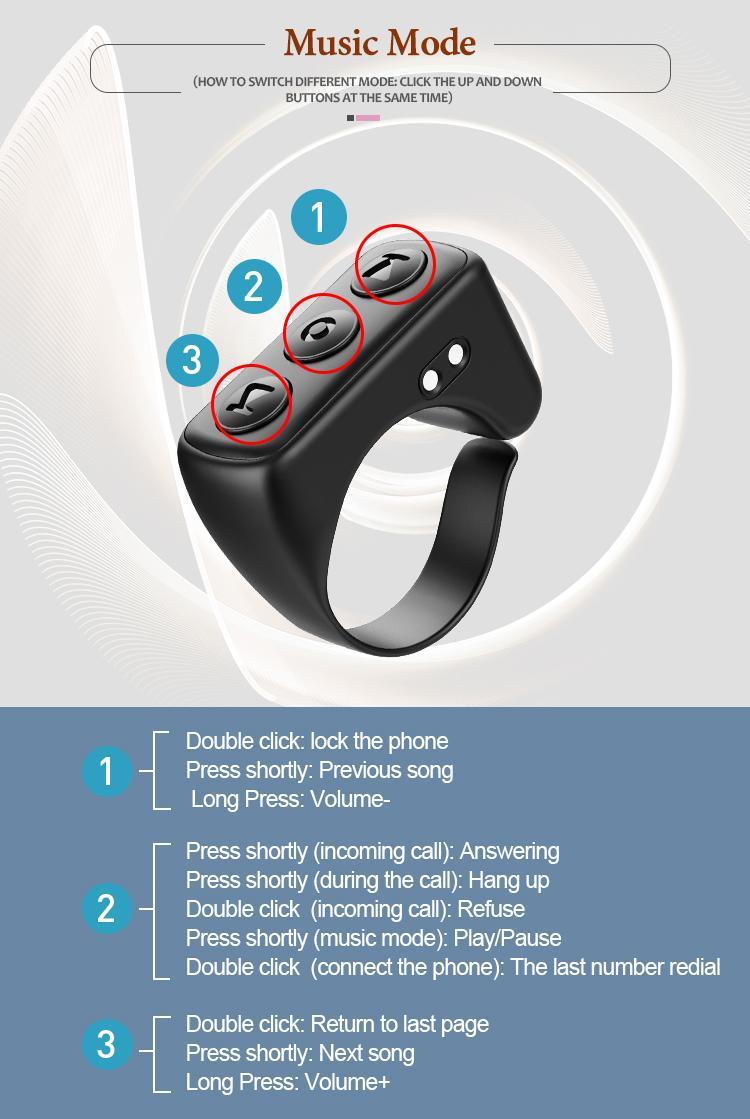
•Supports page turning, selfies, video recording, and music control
•Cordless design with batteries included
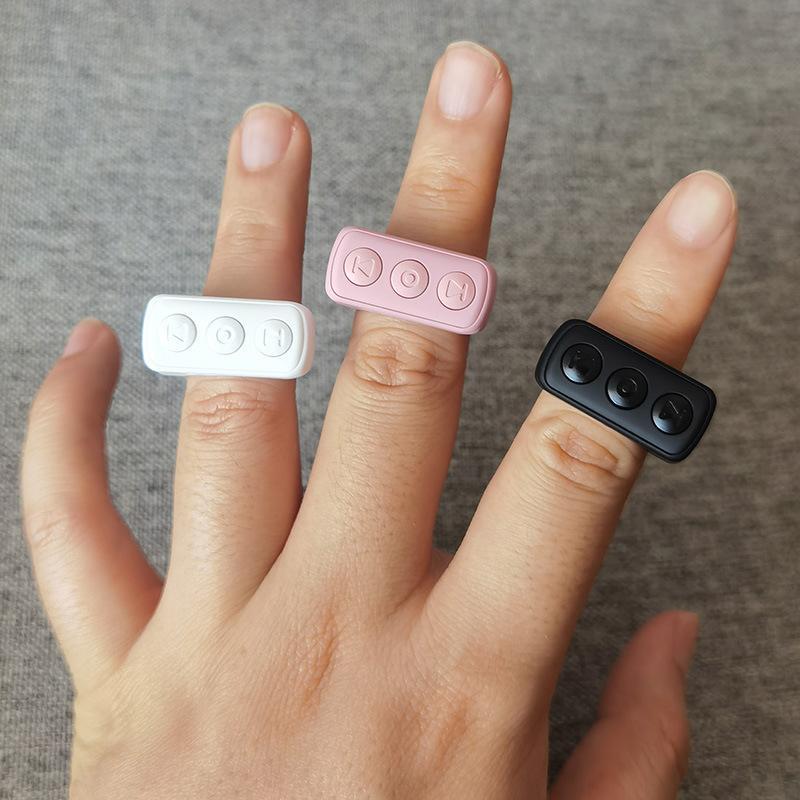
•Available in multiple colors including Black, Pink, Rose Pink, Purple, Grey, Shining Gold, Crystal Silver, and White
Product Description
Your phone can stay put—even when life doesn’t. Snack without leaving greasy fingerprints, cook without tapping the screen with wet hands, or let short videos carry you through cardio—all from one pocket-sized remote. When the mood changes, switch the music, turn an e-book page, or capture the moment with one easy press. Every color delivers the same full experience on iOS and Android.
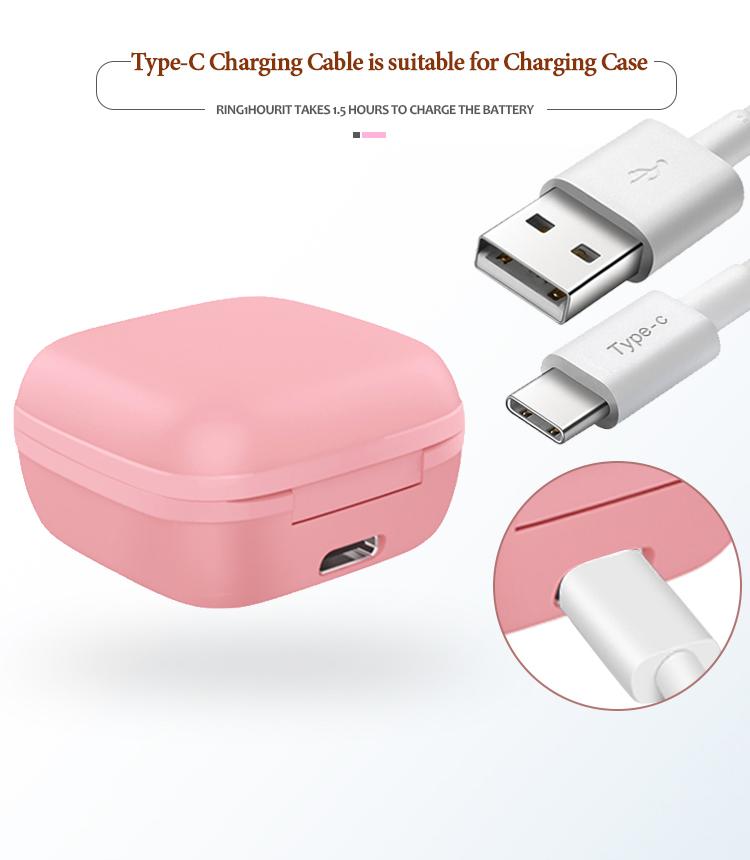
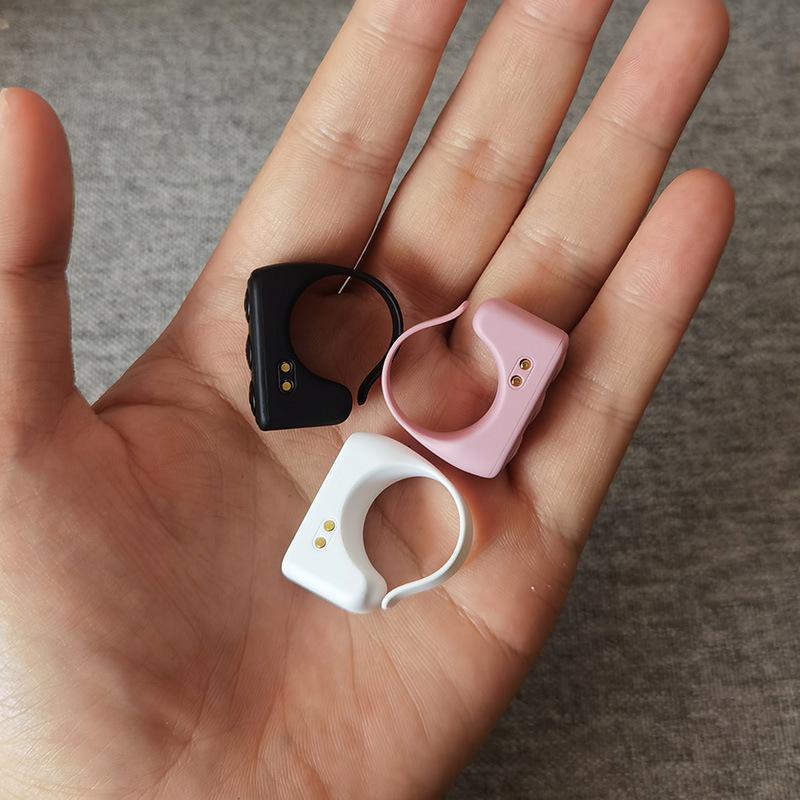
Battery reminder: The product is fully charged at the factory. There may be battery loss during transportation/storage. Please charge for 30 minutes before first use.
FAQ
Q: It was working before, but now it stopped responding. How do I fix it?
A: Follow these 3 quick steps to reset:
D01 Pro: Go to Settings > Accessibility > Touch > AssistiveTouch, toggle it OFF and back ON.
D01 Ultra: Go to Settings > Accessibility > Zoom, toggle it OFF and back ON.
Q: How do I switch modes?
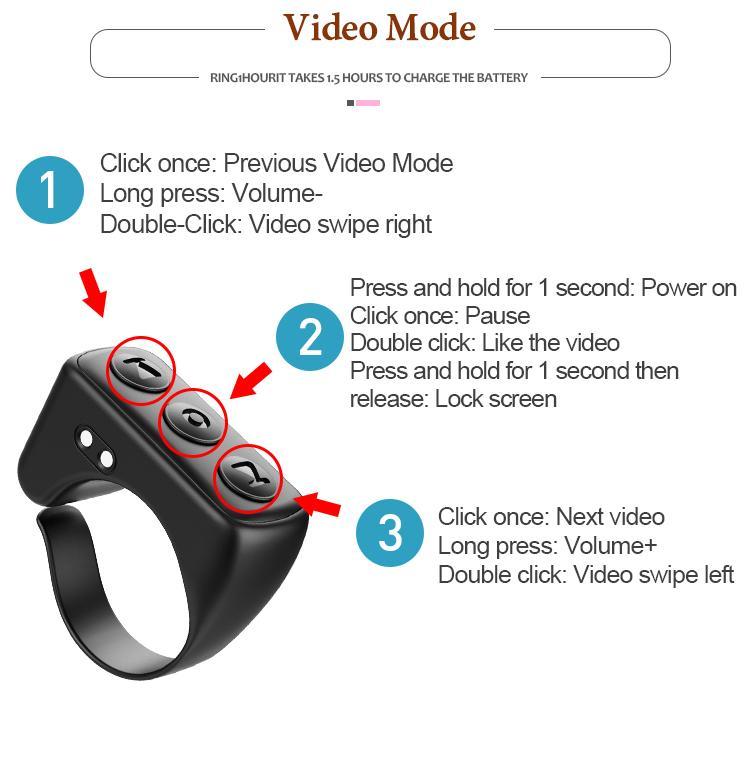
A: Press and hold both the Up and Down buttons simultaneously until the LED indicator light changes color, then release. This indicates the mode has been switched successfully.
Q: Can I use the Scrolling Ring with Kindle?
A: Kindle devices do not support Bluetooth connection. However, you can use the ring on the Kindle app on your phone or tablet.
Q: How do I take photos or videos with the ring?
A: Open your phone’s camera and long-press the up or down button.
Note: This does not work with the TikTok camera.
Q: What if the ring is damaged?
A: Please contact our customer service — we’ll assist you with a solution.


